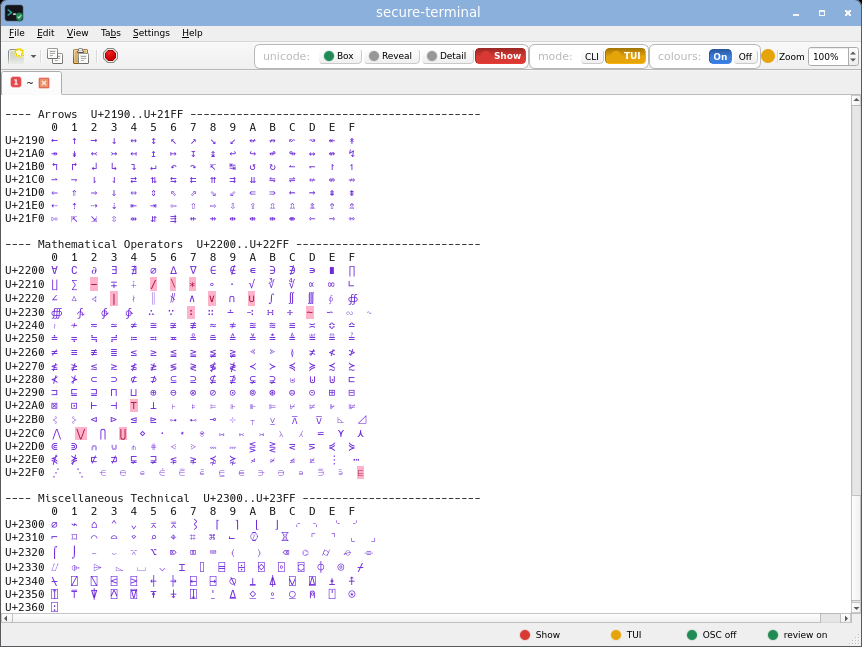
Screenshots

Every secure-terminal screenshot, in one place.

The review bar, all four display modes across every attack board, and secure-terminal running real command-line tools - gathered here to showcase what it does and to let a human verify every capture at a glance. Each thumbnail opens the full-size image in a new tab. The per-terminal comparisons live on the comparison page.

The reproduce commands below run inside a git clone of the corpus - terminal-poc-corpus for the hex PoCs, terminal-safe-corpus for the display boards - in a sandbox VM (read each SAFETY.md first).

The review bar and display modes

What secure-terminal does at a glance - the paste and copy review bars, and the four display modes. The attack boards in every mode are in Every display mode below.

Paste review bar

a hostile curl | bash paste held before a byte reaches the shell, every hidden character named inline.

secure-terminal paste review bar holding a hostile paste, every hidden character named inline.
Reproduce sandbox VM only · a pasted attack, not cat - Ctrl-Shift-V into secure-terminal and the review bar holds it · view the PoC on GitHub →
base64 -d poc/bracketed-paste-bypass-2021/payload.b64 > paste.payload
xclip -selection clipboard < paste.payload # X11
wl-copy < paste.payload # Wayland

Copy review bar

the same review applied to text leaving for the system clipboard.

secure-terminal copy review bar reviewing text going to the system clipboard.
Reproduce · print text with a hidden byte, then select and copy it in secure-terminal - the review bar holds it before the clipboard
printf 'admin\342\200\213istrator\n'

Four display modes

one ls listing as Box, Show, Reveal and Detail (the default).

One ls listing rendered by secure-terminal in all four display modes.
Reproduce · run any command, then cycle Box / Show / Reveal / Detail
ls -la

No trailing newline

a file whose last line has no final newline - the shell prompt returns mid-line, and secure-terminal marks that line in the left gutter so it is never mistaken for a complete line. Shown in CLI and TUI.

CLI
secure-terminal marking a line with no trailing newline in the left gutter, CLI mode.
TUI
secure-terminal marking a line with no trailing newline in the left gutter, TUI mode.
Reproduce · a display-only file, safe to cat · view the file on GitHub →
cat demos/nonewline-safe-to-cat.txt

Whitespace anomalies

leading, trailing and doubled spaces - invisible padding that can hide a command from shell history or fake column alignment - marked with a faint dot. The text still selects and copies as ordinary spaces; only the on-screen look changes.

secure-terminal marking leading, trailing and doubled spaces with a faint dot, CLI mode.
Reproduce · print lines with leading, trailing and doubled spaces
printf ' leading indent line\ntrailing spaces line \ntwo and three spaces\n'

Running programs

secure-terminal runs your programs unchanged - a foreground command that holds the prompt, and a full-screen editor drawn in TUI mode. The red Terminate button in the toolbar stops whatever is running.

sleep (CLI)
secure-terminal running sleep 100 as a foreground command, CLI mode.
nano (TUI)
secure-terminal running the nano editor full-screen in TUI mode.
Reproduce · a foreground command, then a full-screen editor (switch to TUI mode to see it draw)
sleep 100
nano

Terminate button

the red Terminate button - or Ctrl+Shift+K - sends SIGTERM then, two seconds later, an uncatchable SIGKILL to the foreground program: a guaranteed escape from a stuck or runaway command, even a full-screen one that has the keyboard. Here it stops a blocked sleep (Terminated), the nano editor (which catches the signal and exits), and secure-terminal-sigreport, which prints each signal as it lands - received SIGTERM (15) then Killed. (sigreport's own PID reads [redacted] here only because these screenshots normalize it for reproducibility; a real run shows the live PID.)

sleep (CLI)
secure-terminal Terminate button stopping a blocked sleep command, CLI mode.
sigreport (CLI)
secure-terminal Terminate button making secure-terminal-sigreport print received SIGTERM then Killed, CLI mode.
nano (TUI)
secure-terminal Terminate button stopping the full-screen nano editor, TUI mode.
sigreport (TUI)
secure-terminal Terminate button stopping secure-terminal-sigreport, TUI mode.
Reproduce · run a program, then click Terminate (or press Ctrl+Shift+K)
secure-terminal-sigreport

Every display mode, every board

The same attack boards from the comparison, each rendered by secure-terminal in every mode it offers: CLI Box, Show and Detail, plus TUI Box and Show. This is the full render matrix, for a human to scan for a broken or empty capture.

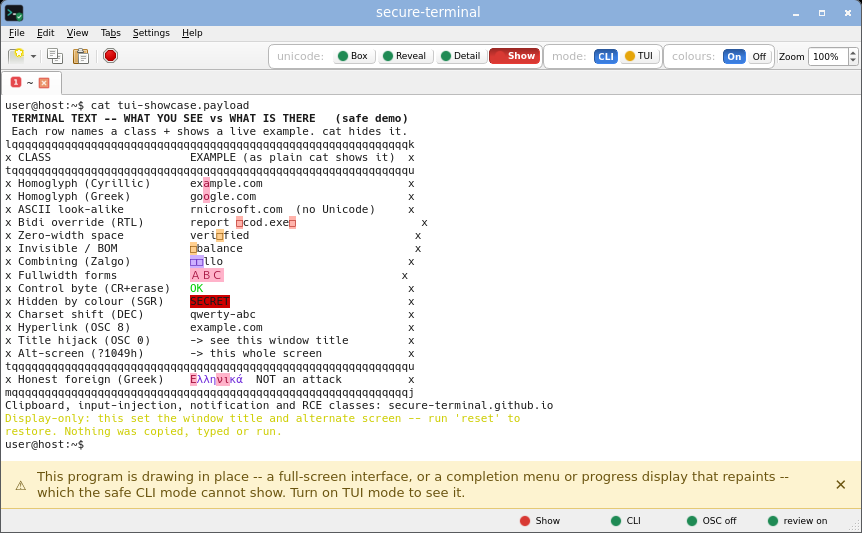
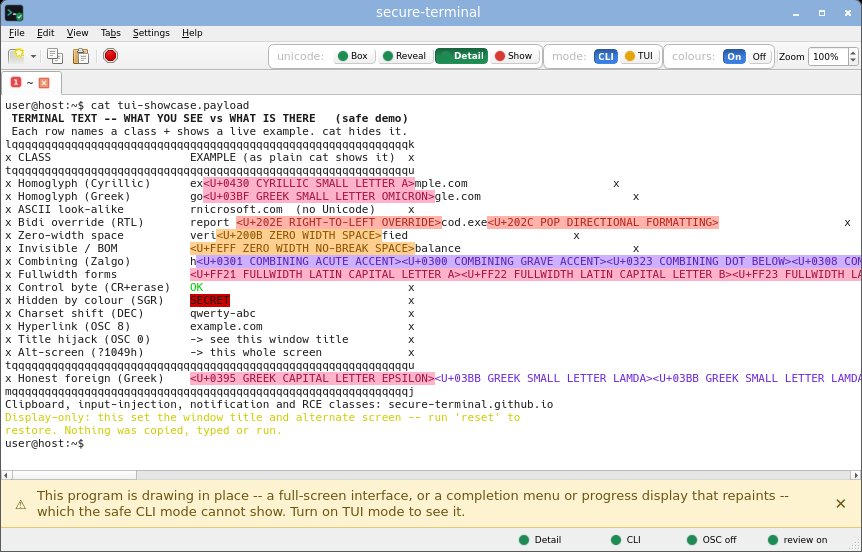
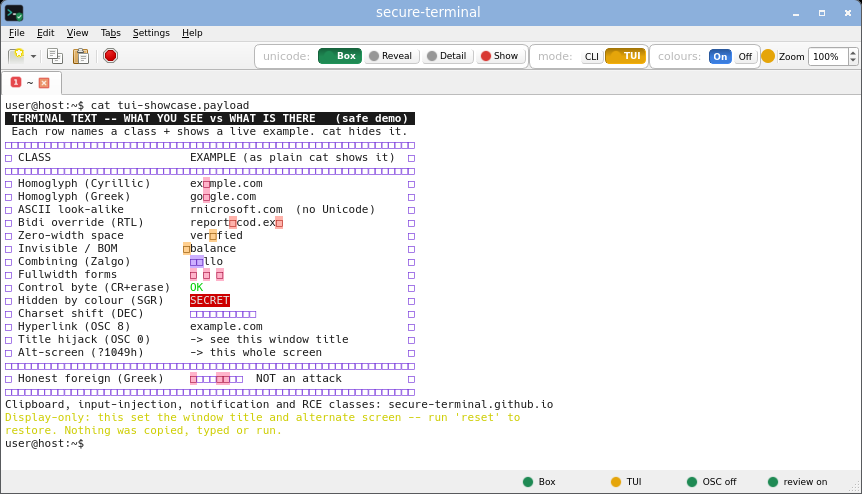
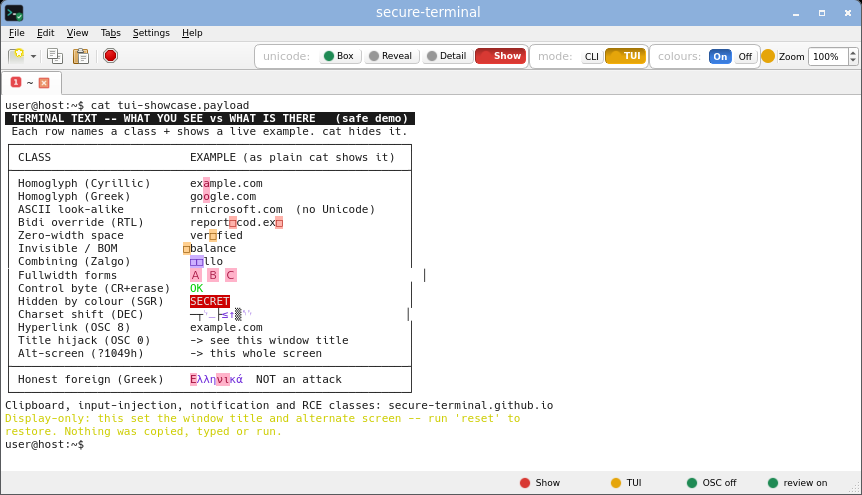
The combined board

every attack class at once - title injection, alt screen, DEC line-drawing, an SGR-hidden SECRET, plus homoglyph, zero-width, bidi and foreign bytes.

CLI, Box
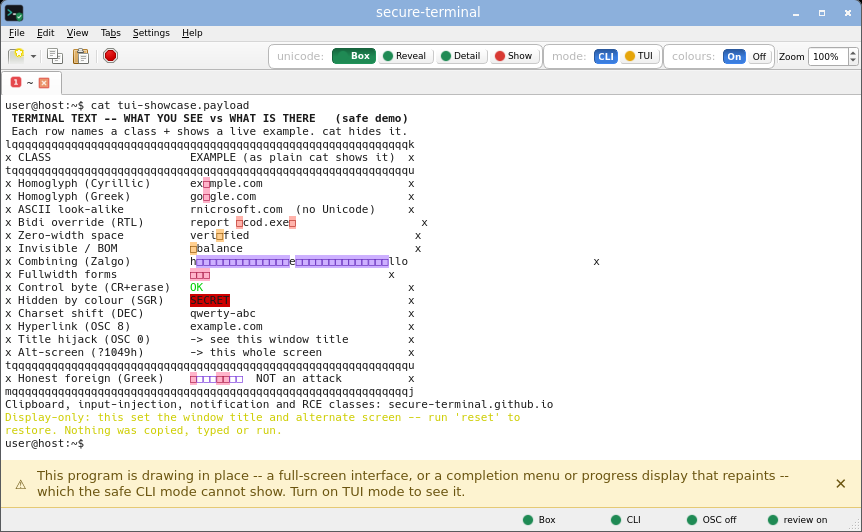
secure-terminal: The combined board, CLI, Box mode.
CLI, Show
secure-terminal: The combined board, CLI, Show mode.
CLI, Detail
secure-terminal: The combined board, CLI, Detail mode.
TUI, Box
secure-terminal: The combined board, TUI, Box mode.
TUI, Show
secure-terminal: The combined board, TUI, Show mode.
Reproduce sandbox VM only · view the PoC on GitHub →
base64 -d poc/tui-showcase/payload.b64 > tui-showcase.payload
cat tui-showcase.payload

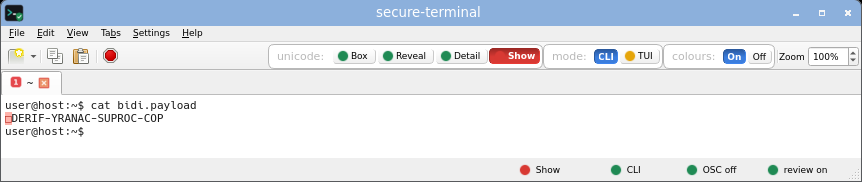
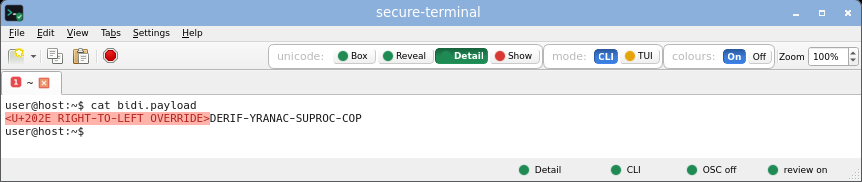
Bidi override (Trojan Source)

bidirectional controls that reorder how a line renders (CVE-2021-42574).

CLI, Box
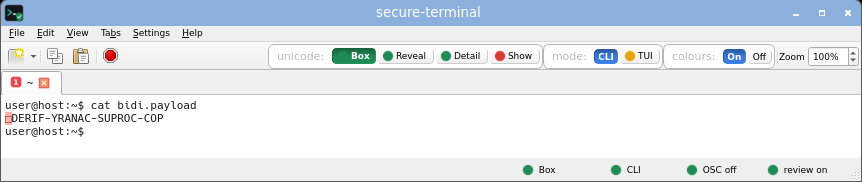
secure-terminal: Bidi override (Trojan Source), CLI, Box mode.
CLI, Show
secure-terminal: Bidi override (Trojan Source), CLI, Show mode.
CLI, Detail
secure-terminal: Bidi override (Trojan Source), CLI, Detail mode.
TUI, Box
secure-terminal: Bidi override (Trojan Source), TUI, Box mode.
TUI, Show
secure-terminal: Bidi override (Trojan Source), TUI, Show mode.
Reproduce sandbox VM only · view the PoC on GitHub →
base64 -d poc/trojan-source-bidi-2021/payload.b64 > bidi.payload
cat bidi.payload

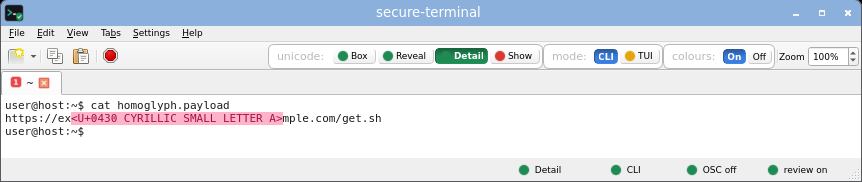
Homoglyph look-alikes

non-ASCII characters shaped like ASCII - a Cyrillic a, a Greek o - that make a fake command read as legitimate.

CLI, Box
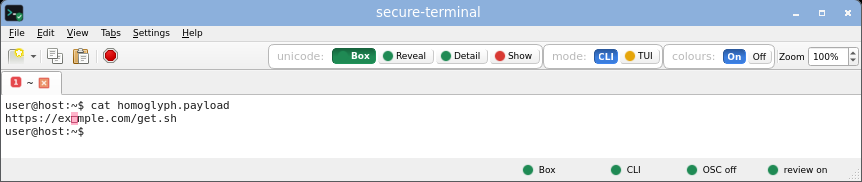
secure-terminal: Homoglyph look-alikes, CLI, Box mode.
CLI, Show
secure-terminal: Homoglyph look-alikes, CLI, Show mode.
CLI, Detail
secure-terminal: Homoglyph look-alikes, CLI, Detail mode.
TUI, Box
secure-terminal: Homoglyph look-alikes, TUI, Box mode.
TUI, Show
secure-terminal: Homoglyph look-alikes, TUI, Show mode.
Reproduce sandbox VM only · view the PoC on GitHub →
base64 -d poc/homoglyph-domain-install-2021/payload.b64 > homoglyph.payload
cat homoglyph.payload

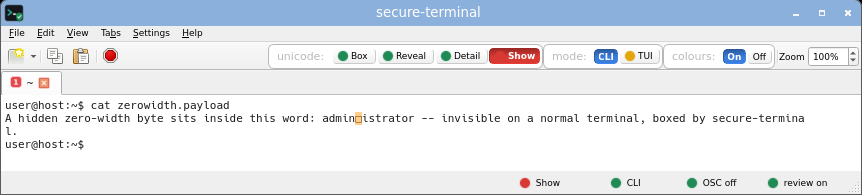
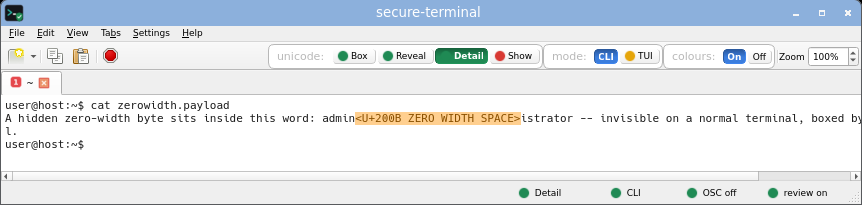
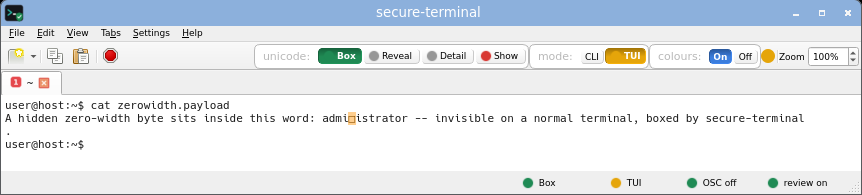
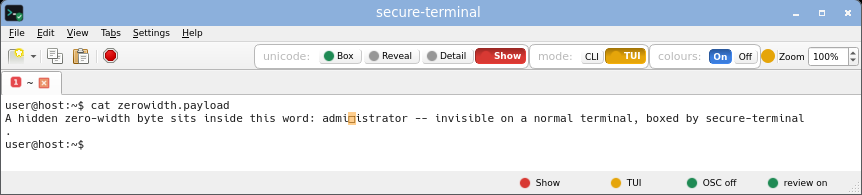
Zero-width / invisible

characters that draw nothing, so a line can carry bytes you never see.

CLI, Box
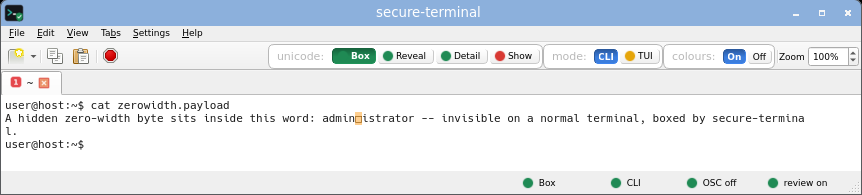
secure-terminal: Zero-width / invisible, CLI, Box mode.
CLI, Show
secure-terminal: Zero-width / invisible, CLI, Show mode.
CLI, Detail
secure-terminal: Zero-width / invisible, CLI, Detail mode.
TUI, Box
secure-terminal: Zero-width / invisible, TUI, Box mode.
TUI, Show
secure-terminal: Zero-width / invisible, TUI, Show mode.
Reproduce · a zero-width byte hidden inside a word, no corpus needed
printf 'admin\342\200\213istrator\n' > zerowidth.payload
cat zerowidth.payload

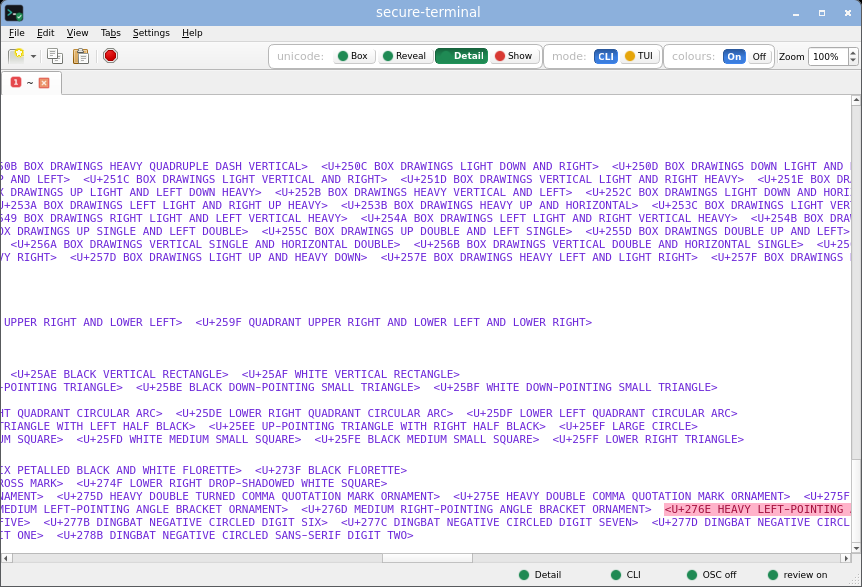
Unicode names

non-ASCII bytes named inline as their Unicode code point.

CLI, Show
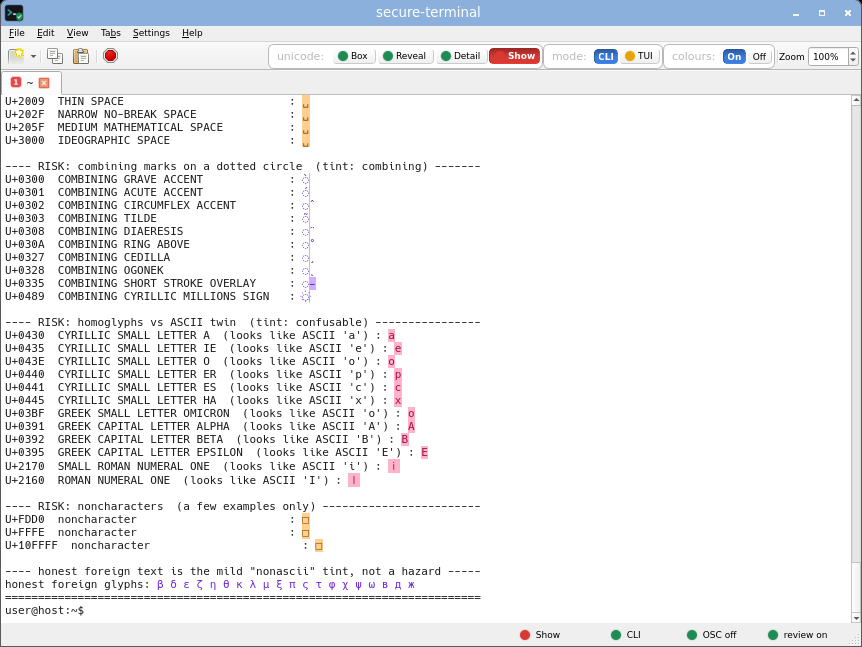
secure-terminal: Unicode names, CLI, Show mode.
CLI, Detail
secure-terminal: Unicode names, CLI, Detail mode.
TUI, Show
secure-terminal: Unicode names, TUI, Show mode.
Reproduce · display-only Unicode gallery, safe to cat · view the file on GitHub →
cat unicode-gallery-safe-to-cat.txt

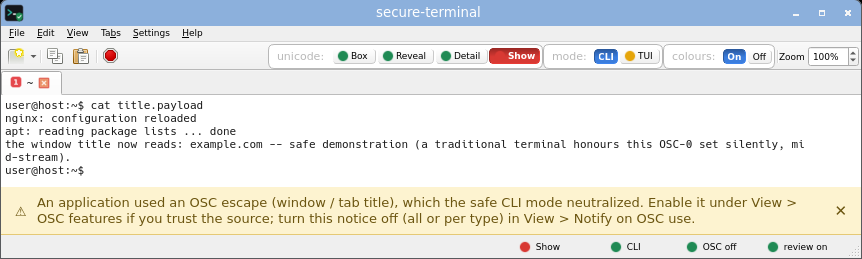
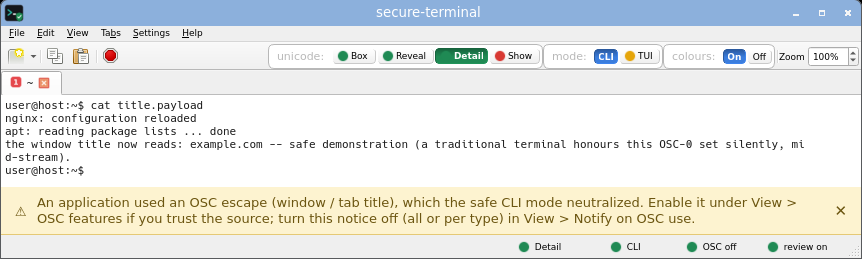
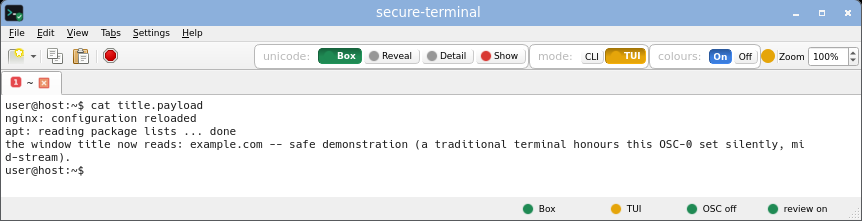
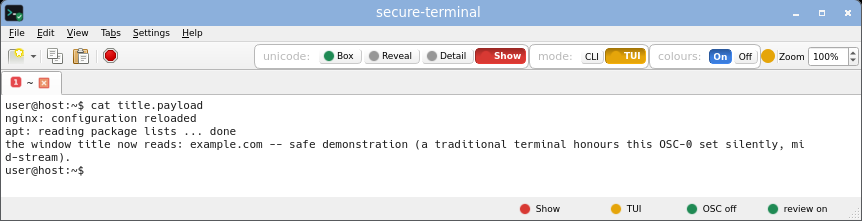
Title / tab hijack

an OSC 0/2 sequence that would silently rename a normal window or tab.

CLI, Box
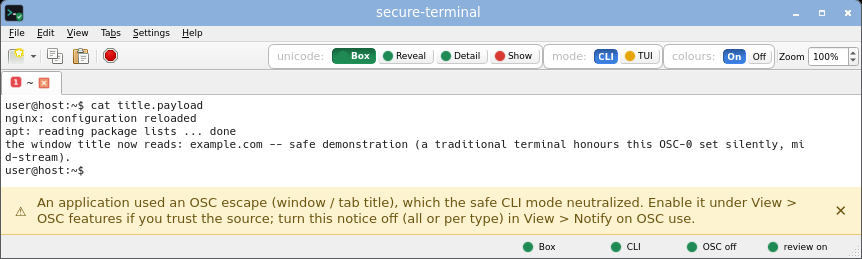
secure-terminal: Title / tab hijack, CLI, Box mode.
CLI, Show
secure-terminal: Title / tab hijack, CLI, Show mode.
CLI, Detail
secure-terminal: Title / tab hijack, CLI, Detail mode.
TUI, Box
secure-terminal: Title / tab hijack, TUI, Box mode.
TUI, Show
secure-terminal: Title / tab hijack, TUI, Show mode.
Reproduce sandbox VM only · view the PoC on GitHub →
base64 -d poc/title-set-hijack/payload.b64 > title.payload
cat title.payload

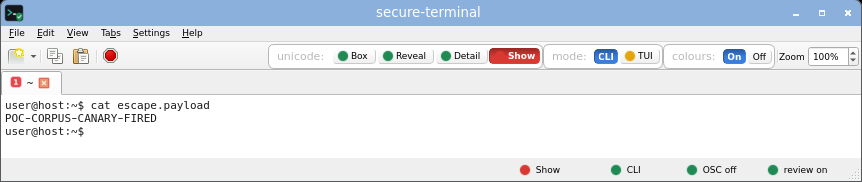
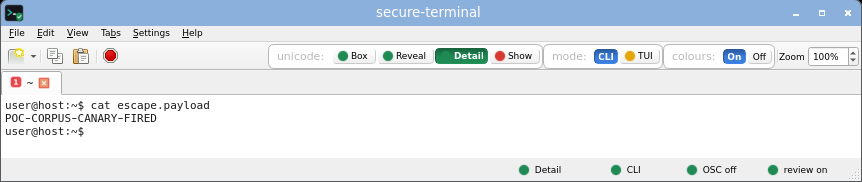
Escape repaint

cursor and erase sequences that would rewrite or conceal output already on screen.

CLI, Box
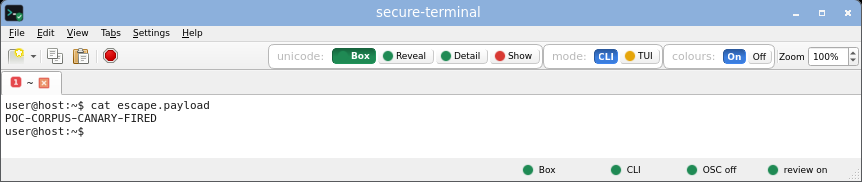
secure-terminal: Escape repaint, CLI, Box mode.
CLI, Show
secure-terminal: Escape repaint, CLI, Show mode.
CLI, Detail
secure-terminal: Escape repaint, CLI, Detail mode.
TUI, Box
secure-terminal: Escape repaint, TUI, Box mode.
TUI, Show
secure-terminal: Escape repaint, TUI, Show mode.
Reproduce sandbox VM only · view the PoC on GitHub →
base64 -d poc/charset-shift-deception/payload.b64 > escape.payload
cat escape.payload

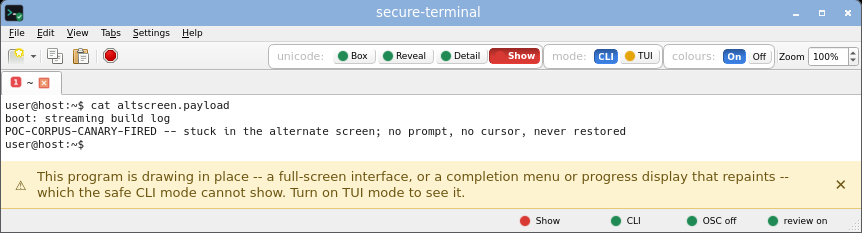
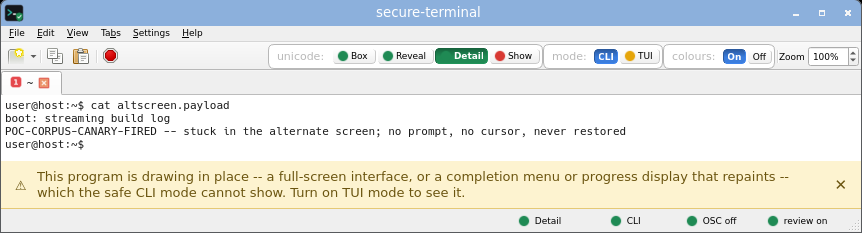
Alt-screen forge

a switch to the alternate screen that would paint a fake dashboard and leave no trace.

CLI, Box
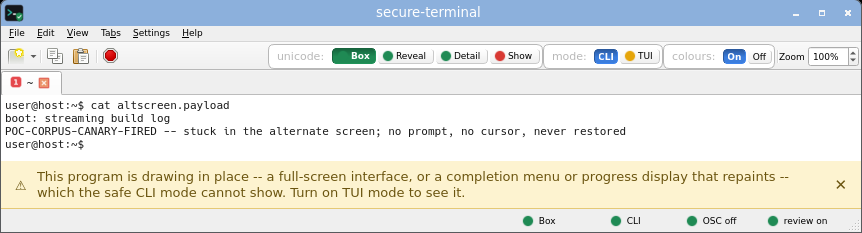
secure-terminal: Alt-screen forge, CLI, Box mode.
CLI, Show
secure-terminal: Alt-screen forge, CLI, Show mode.
CLI, Detail
secure-terminal: Alt-screen forge, CLI, Detail mode.
TUI, Box
secure-terminal: Alt-screen forge, TUI, Box mode.
TUI, Show
secure-terminal: Alt-screen forge, TUI, Show mode.
Reproduce sandbox VM only · view the PoC on GitHub →
base64 -d poc/alt-screen-hijack/payload.b64 > altscreen.payload
cat altscreen.payload

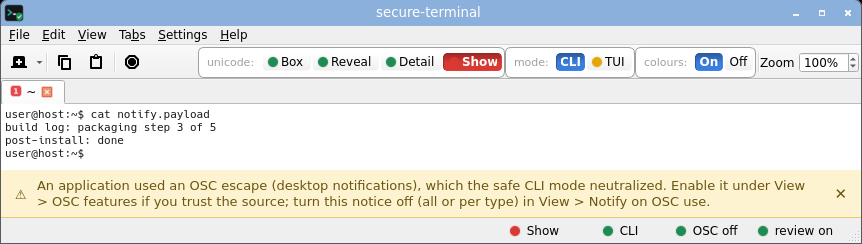
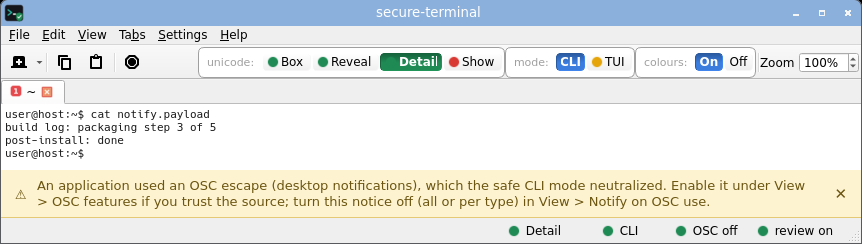
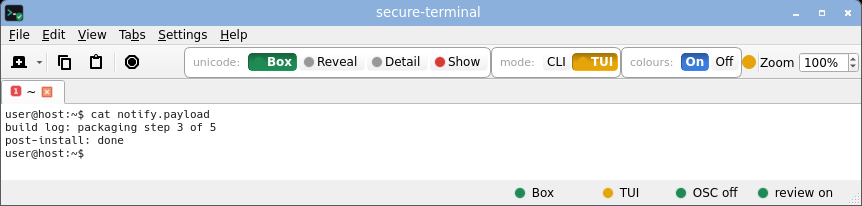
Notification spoof

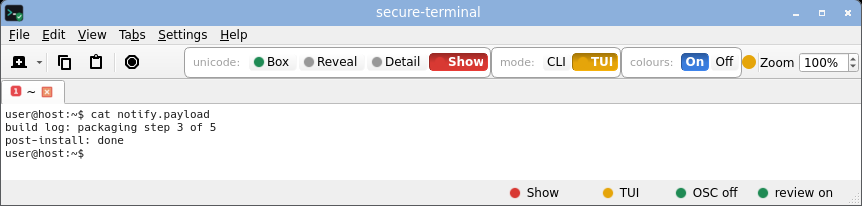
an OSC 9 / 99 sequence that would raise a desktop notification carrying attacker text.

CLI, Box
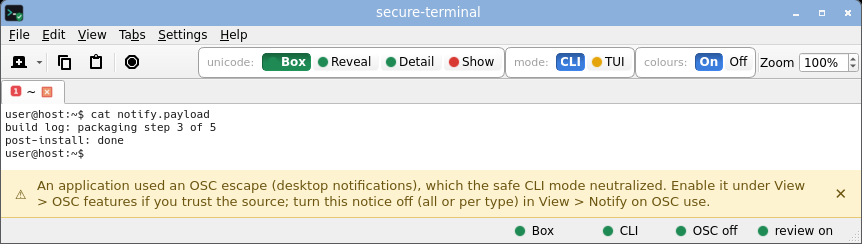
secure-terminal: Notification spoof, CLI, Box mode.
CLI, Show
secure-terminal: Notification spoof, CLI, Show mode.
CLI, Detail
secure-terminal: Notification spoof, CLI, Detail mode.
TUI, Box
secure-terminal: Notification spoof, TUI, Box mode.
TUI, Show
secure-terminal: Notification spoof, TUI, Show mode.
Reproduce sandbox VM only · view the PoC on GitHub →
base64 -d poc/notification-spoof-kitty-2022/payload.b64 > notify.payload
cat notify.payload

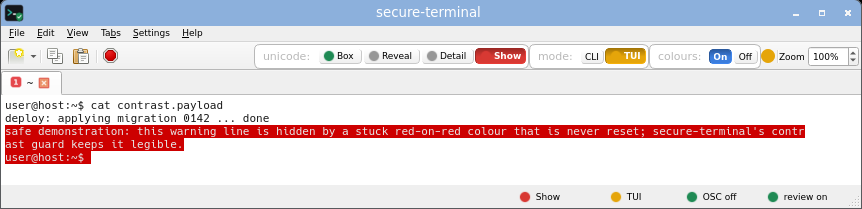
Contrast guard

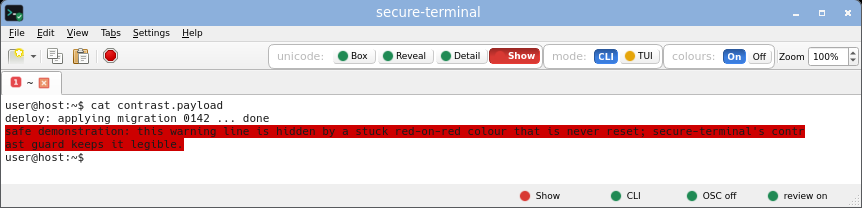
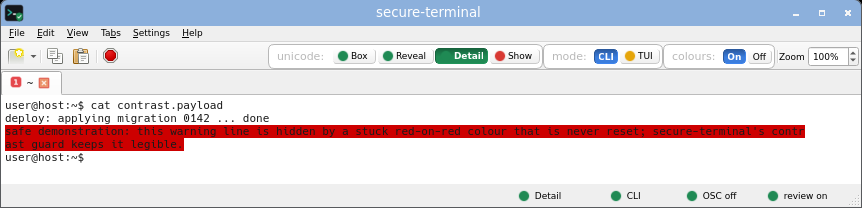
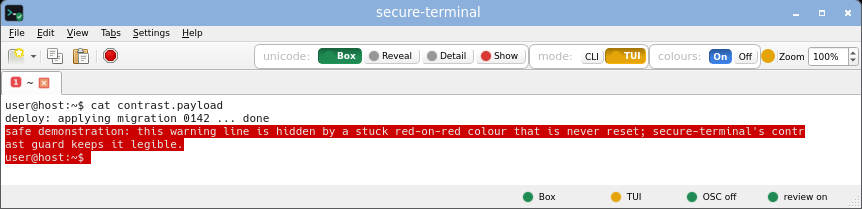
colour that a program cannot use to hide text against the background.

CLI, Box
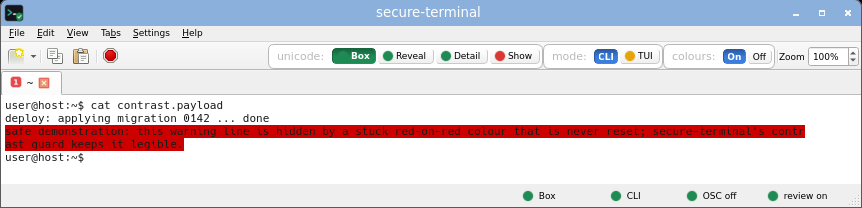
secure-terminal: Contrast guard, CLI, Box mode.
CLI, Show
secure-terminal: Contrast guard, CLI, Show mode.
CLI, Detail
secure-terminal: Contrast guard, CLI, Detail mode.
TUI, Box
secure-terminal: Contrast guard, TUI, Box mode.
TUI, Show
secure-terminal: Contrast guard, TUI, Show mode.
Reproduce sandbox VM only · view the PoC on GitHub →
base64 -d poc/stuck-colour-contrast/payload.b64 > contrast.payload
cat contrast.payload

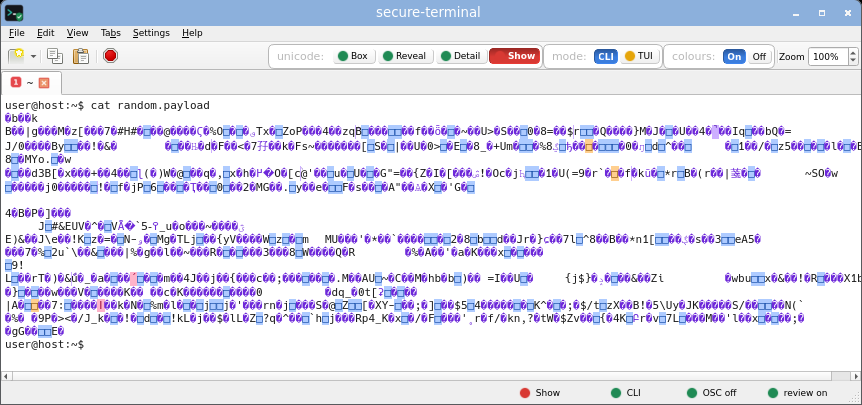
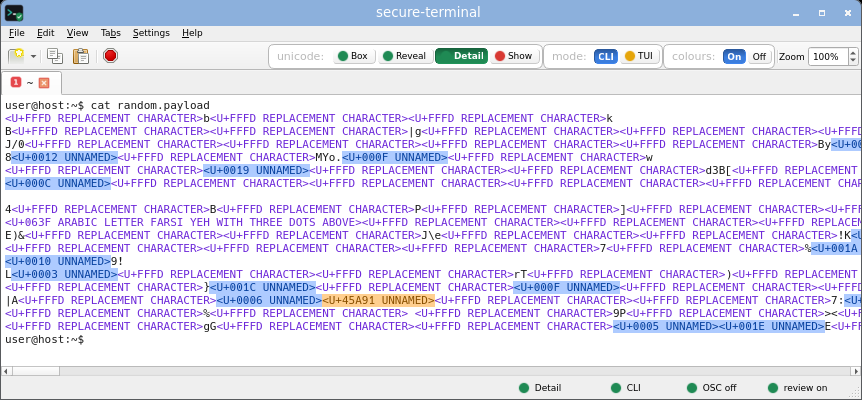
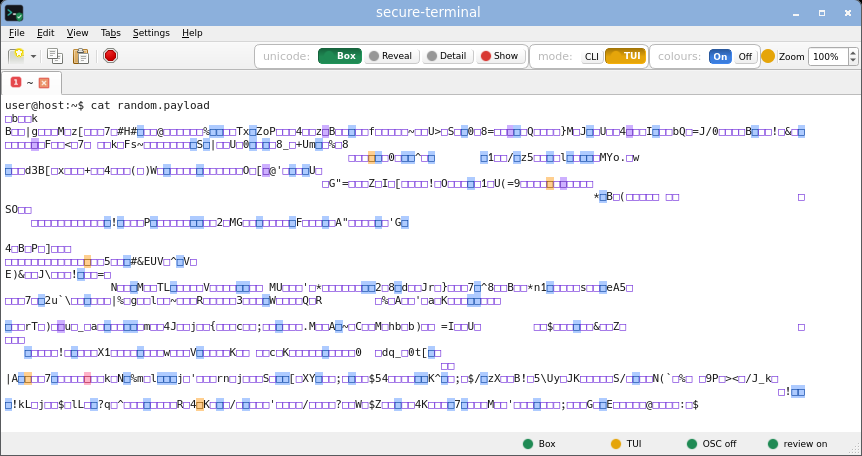
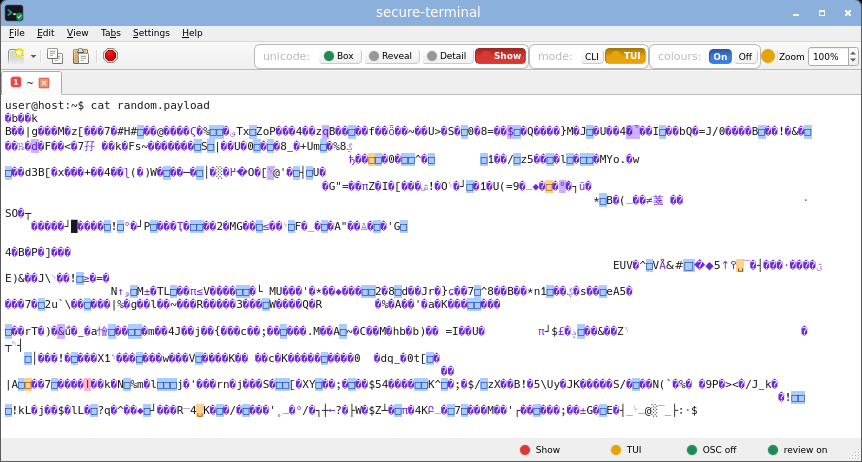
Random bytes

plain random data fed straight to the terminal.

CLI, Box
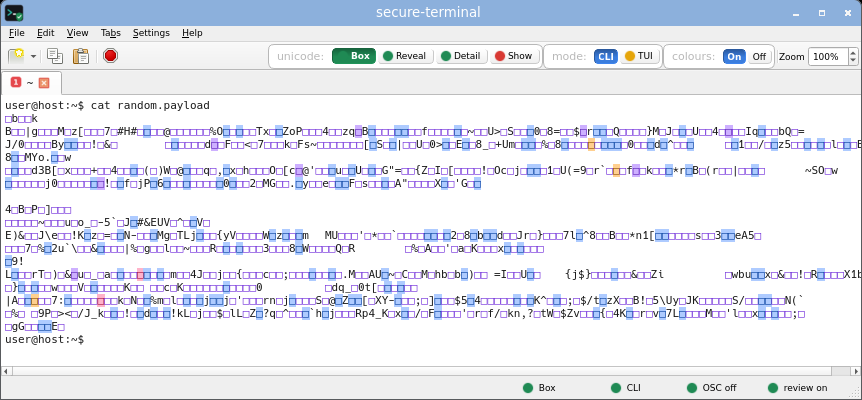
secure-terminal: Random bytes, CLI, Box mode.
CLI, Show
secure-terminal: Random bytes, CLI, Show mode.
CLI, Detail
secure-terminal: Random bytes, CLI, Detail mode.
TUI, Box
secure-terminal: Random bytes, TUI, Box mode.
TUI, Show
secure-terminal: Random bytes, TUI, Show mode.
Reproduce · the exact shot bytes - a fixed, deterministic seed-0 field (ESC-filtered, so byte-identical); a throwaway terminal, reset restores · view the generator on GitHub →
python3 -c 'import random,sys;r=random.Random(0);sys.stdout.buffer.write(bytes(x for x in (r.getrandbits(8) for _ in range(2400)) if x!=0x1b)[:1200])' > random.payload cat random.payload

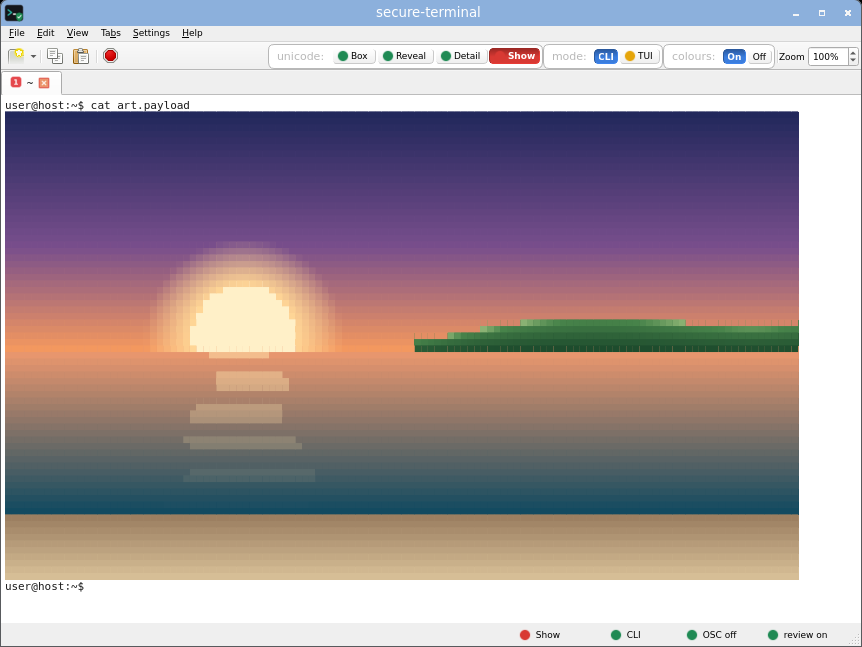
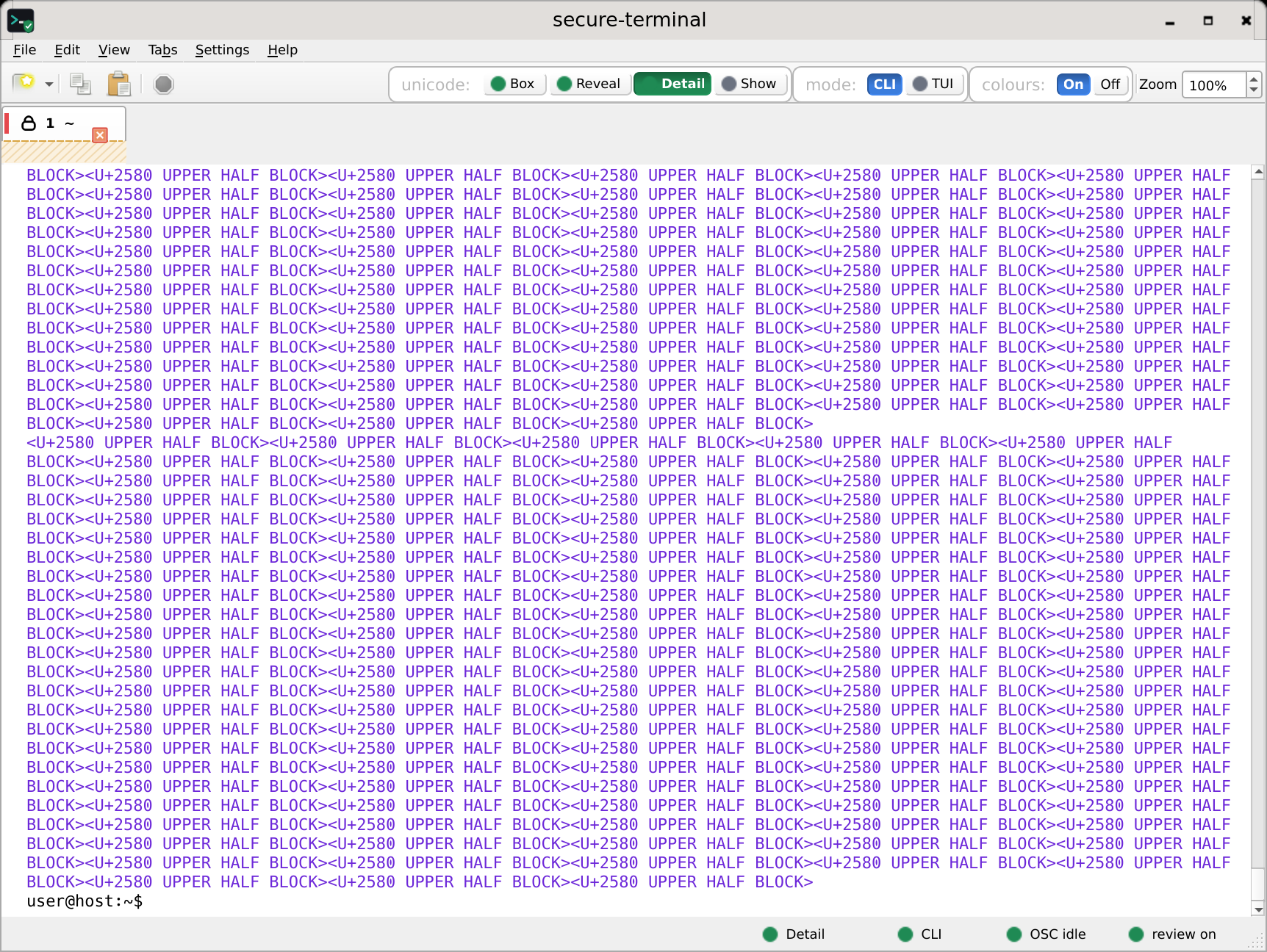
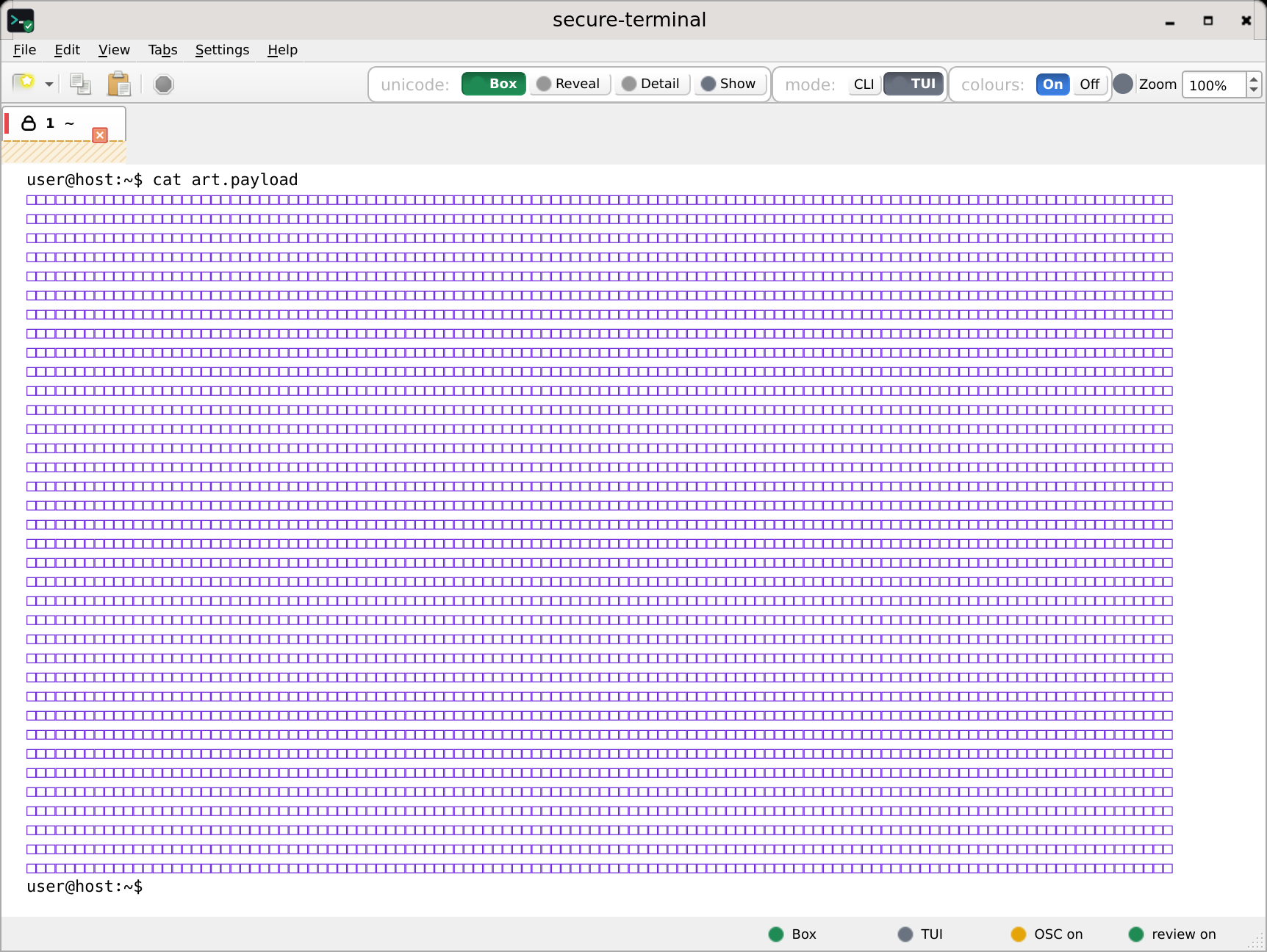
ANSI art

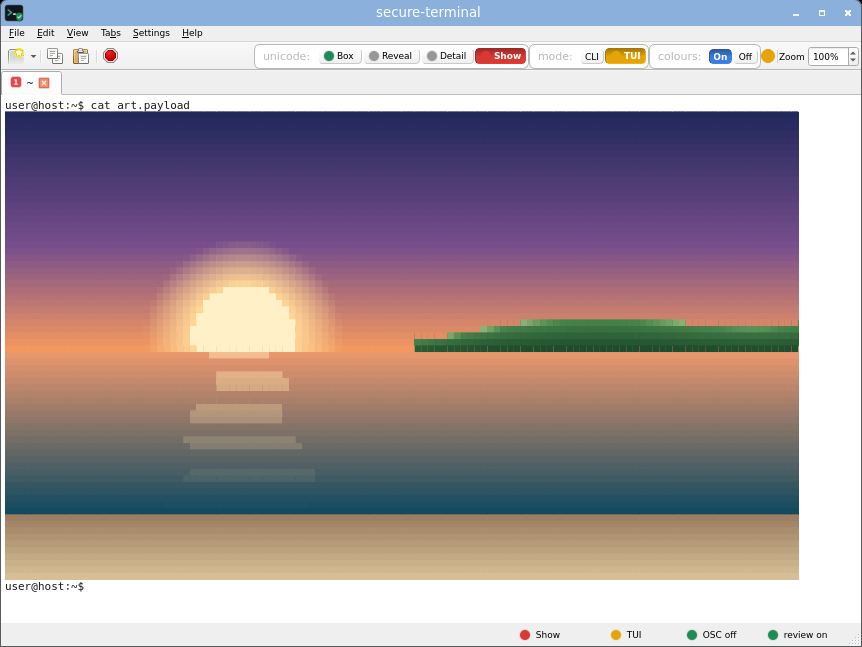
legitimate SGR colour art, kept readable.

CLI, Box
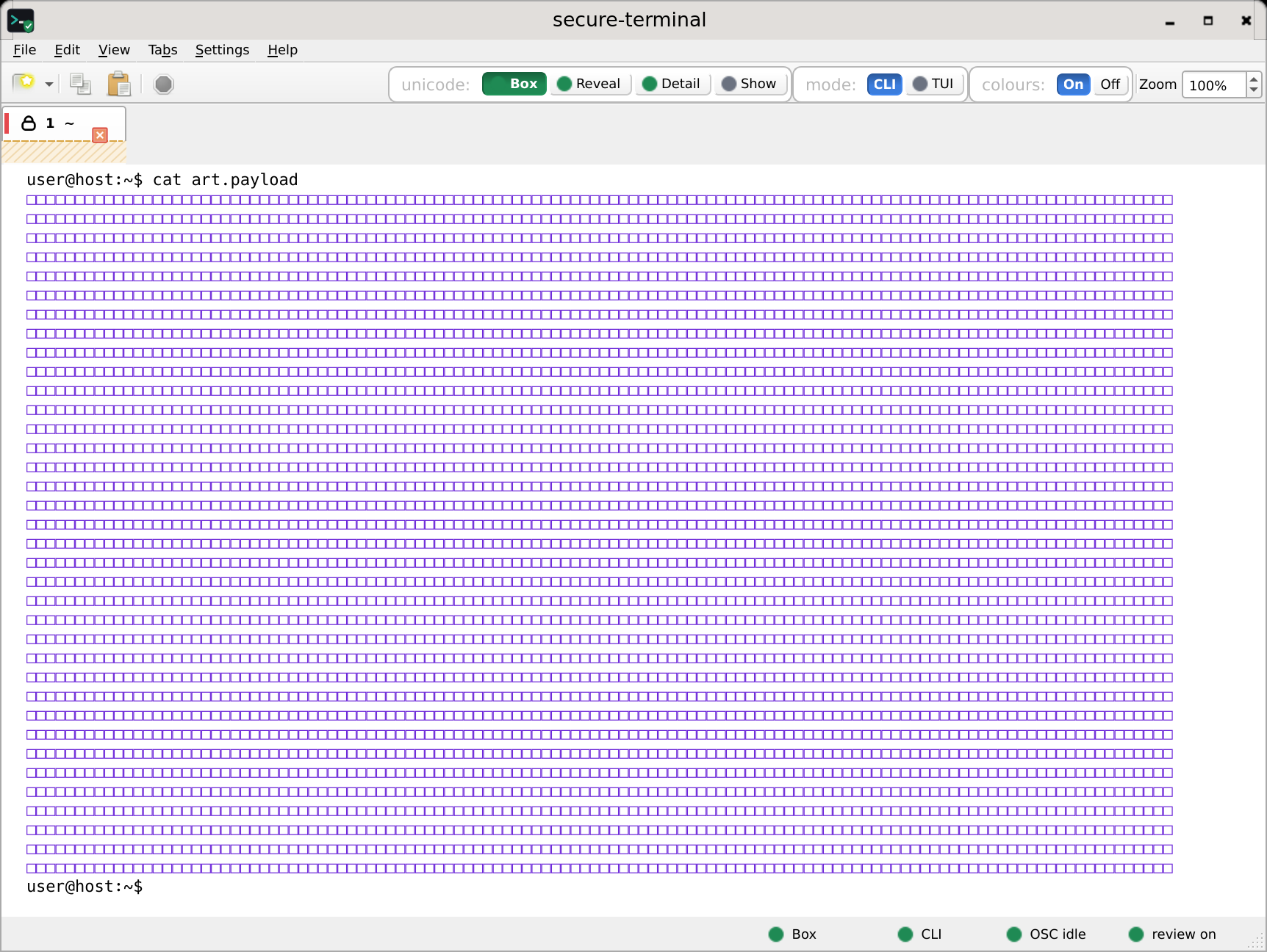
secure-terminal: a colour board neutralised to inert boxes (identical for the art and gradient boards), CLI, Box mode.
CLI, Show
secure-terminal: ANSI art, CLI, Show mode.
CLI, Detail
secure-terminal: a colour board with each half-block byte named inline (identical for the art and gradient boards), CLI, Detail mode.
TUI, Box
secure-terminal: a colour board neutralised to inert boxes (identical for the art and gradient boards), TUI, Box mode.
TUI, Show
secure-terminal: ANSI art, TUI, Show mode.
Reproduce · legitimate colour art, safe to cat · view the file on GitHub →
cat art-safe-to-cat.txt

Truecolour gradient

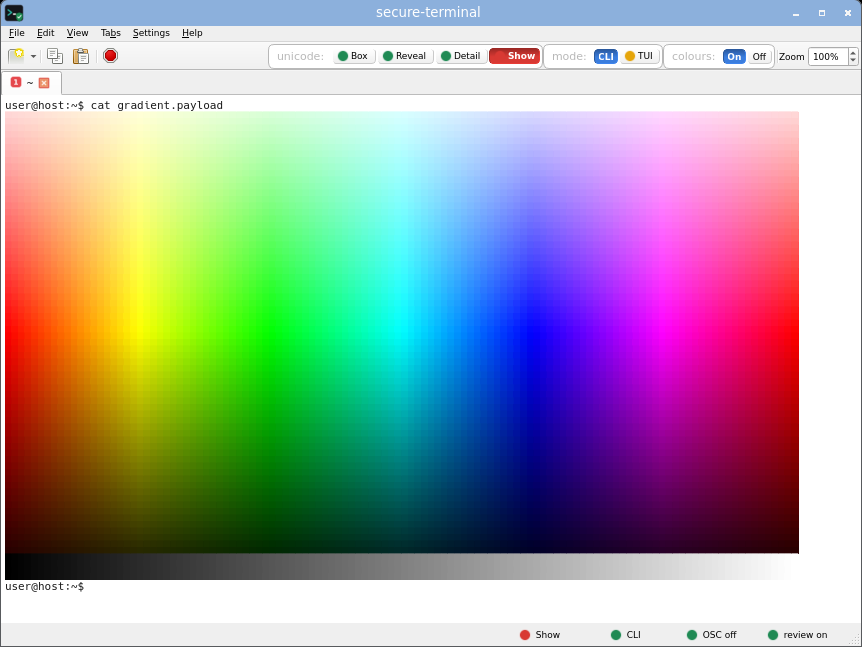
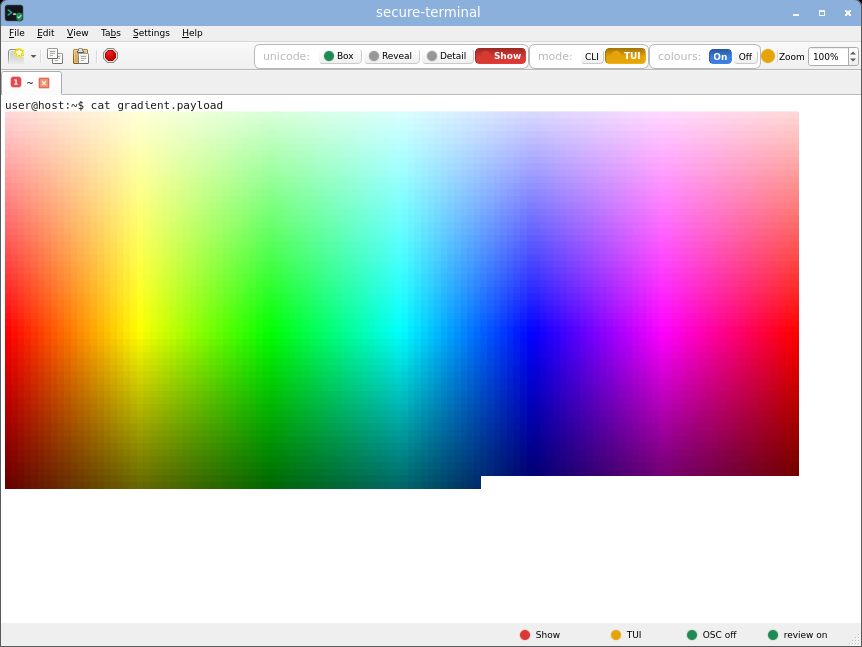
a dense per-cell truecolour gradient.

CLI, Box
secure-terminal: a colour board neutralised to inert boxes (identical for the art and gradient boards), CLI, Box mode.
CLI, Show
secure-terminal: Truecolour gradient, CLI, Show mode.
CLI, Detail
secure-terminal: a colour board with each half-block byte named inline (identical for the art and gradient boards), CLI, Detail mode.
TUI, Box
secure-terminal: a colour board neutralised to inert boxes (identical for the art and gradient boards), TUI, Box mode.
TUI, Show
secure-terminal: Truecolour gradient, TUI, Show mode.

Real-tool compatibility

secure-terminal running ordinary command-line tools, output rendered normally - the everyday case, not an attack. Full detail on the compatibility page.

coreutils
secure-terminal running coreutils, output rendered normally.
git
secure-terminal running git, output rendered normally.
grep
secure-terminal running grep, output rendered normally.
diff
secure-terminal running diff, output rendered normally.
find
secure-terminal running find, output rendered normally.
sed
secure-terminal running sed, output rendered normally.
awk
secure-terminal running awk, output rendered normally.
tar
secure-terminal running tar, output rendered normally.
gzip
secure-terminal running gzip, output rendered normally.

Zoom levels, scanned for artifacts

The same app driven across realistic window sizes, both CLI and TUI tabs, and a band of font-zoom levels, with SHOW mode first. Each shot is the real secure-terminal window - title bar, shell prompt and all - captured at a fixed canonical zoom after catting the board, so every shot here is a stable, repeatable comparison point. A separate regression suite drives a randomized zoom walk on each cell and automatically fails on content that vanishes (a blank or empty render) and on any non-deterministic capture; these fixed-level shots are published for a human to scan for the subtler cases - an extraneous blank line, text cut off the edge, or unexpected empty space - that only an eye can judge.

Combined showcase board

box frame, colour SGR, accented Unicode and confusable quotes at once.

CLI Show, 860x620, 50%
secure-terminal zoom check: combined showcase board, CLI Show, 860x620, 50%
CLI Show, 860x620, 100%
secure-terminal zoom check: combined showcase board, CLI Show, 860x620, 100%
CLI Show, 860x620, 200%
secure-terminal zoom check: combined showcase board, CLI Show, 860x620, 200%
CLI Show, 860x620, 400%
secure-terminal zoom check: combined showcase board, CLI Show, 860x620, 400%
TUI Show, 1280x800, 75%
secure-terminal zoom check: combined showcase board, TUI Show, 1280x800, 75%
TUI Show, 1280x800, 125%
secure-terminal zoom check: combined showcase board, TUI Show, 1280x800, 125%
TUI Show, 1280x800, 250%
secure-terminal zoom check: combined showcase board, TUI Show, 1280x800, 250%
CLI Detail, 1280x800, 100%
secure-terminal zoom check: combined showcase board, CLI Detail, 1280x800, 100%
CLI Detail, 1280x800, 200%
secure-terminal zoom check: combined showcase board, CLI Detail, 1280x800, 200%
Reproduce · a display-only board, safe to cat anywhere · view the board →
cat demos/zoom-tui-showcase-safe-to-cat.txt

Dense truecolour gradient

every cell a distinct 24-bit colour - the payload most prone to reflow striping when the grid narrows under zoom.

CLI Show, 1280x800, 50%
secure-terminal zoom check: dense truecolour gradient, CLI Show, 1280x800, 50%
CLI Show, 1280x800, 100%
secure-terminal zoom check: dense truecolour gradient, CLI Show, 1280x800, 100%
CLI Show, 1280x800, 200%
secure-terminal zoom check: dense truecolour gradient, CLI Show, 1280x800, 200%
Reproduce · a display-only board, safe to cat anywhere · view the board →
cat demos/zoom-colorgrad-safe-to-cat.txt

Box frame with over-long lines

a box frame plus unbroken lines longer than any grid here, to watch wrapping and the right edge across zoom.

CLI Show, 860x620, 75%
secure-terminal zoom check: box frame with over-long lines, CLI Show, 860x620, 75%
CLI Show, 860x620, 110%
secure-terminal zoom check: box frame with over-long lines, CLI Show, 860x620, 110%
CLI Show, 860x620, 300%
secure-terminal zoom check: box frame with over-long lines, CLI Show, 860x620, 300%
Reproduce · a display-only board, safe to cat anywhere · view the board →
cat demos/zoom-longline-box-safe-to-cat.txt

Exact grid-width lines

lines at a spread of exact widths, each ended by a bare newline - probes the last-column double-advance that once left a spurious blank row.

CLI Show, 1366x768, 100%
secure-terminal zoom check: exact grid-width lines, CLI Show, 1366x768, 100%
CLI Show, 1366x768, 150%
secure-terminal zoom check: exact grid-width lines, CLI Show, 1366x768, 150%
Reproduce · a display-only board, safe to cat anywhere · view the board →
cat demos/zoom-exact-grid-safe-to-cat.txt

Short alt-screen frame

a two-line alternate-screen frame; it must stay pinned to the TOP at every zoom (never scroll off), the rest of the grid legitimately blank.

TUI Show, 1280x800, 100%
secure-terminal zoom check: short alt-screen frame, TUI Show, 1280x800, 100%
TUI Show, 1280x800, 200%
secure-terminal zoom check: short alt-screen frame, TUI Show, 1280x800, 200%

Wide CJK and emoji

wide CJK and emoji interleaved with ASCII - cell width as the font scales.

CLI Show, 1280x800, 100%
secure-terminal zoom check: wide cjk and emoji, CLI Show, 1280x800, 100%
CLI Show, 1280x800, 250%
secure-terminal zoom check: wide cjk and emoji, CLI Show, 1280x800, 250%
Reproduce · a display-only board, safe to cat anywhere · view the board →
cat demos/zoom-wide-cjk-safe-to-cat.txt

Wide ASCII art

wide ASCII art that legitimately WRAPS at high zoom (a wrapped space row is expected wrapping, not a defect).

CLI Show, 860x620, 100%
secure-terminal zoom check: wide ascii art, CLI Show, 860x620, 100%
CLI Show, 860x620, 300%
secure-terminal zoom check: wide ascii art, CLI Show, 860x620, 300%
Reproduce · a display-only board, safe to cat anywhere · view the board →
cat demos/zoom-art-safe-to-cat.txt